
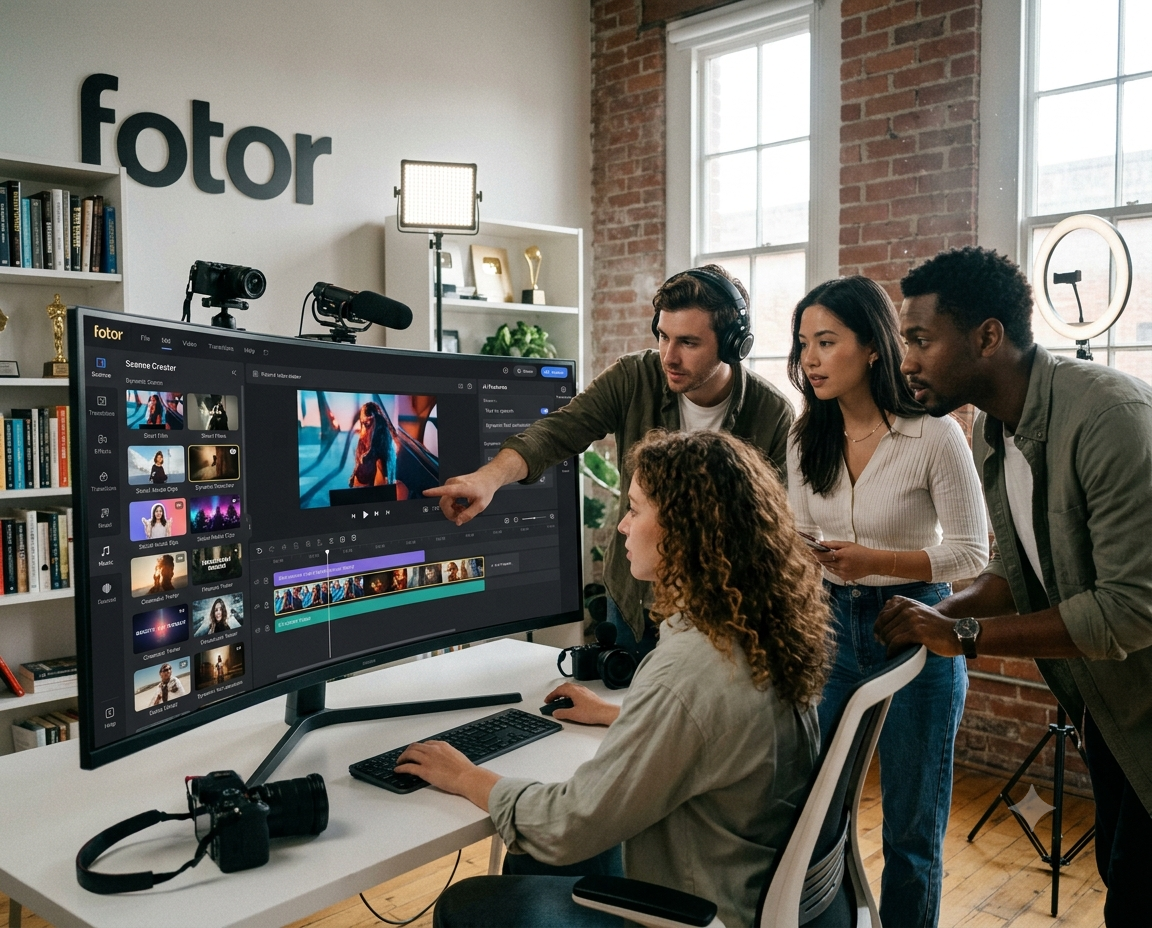

The demand for AI-powered video creation tools has grown rapidly, making it easier for beginners, marketers, content creators, and businesses to produce engaging videos without advanced editing skills. In this Fotor AI Video Generator Review, we take a closer look at the platform’s features, ease of use, creative tools, and overall performance. The Fotor AI video maker is designed to simplify the video creation process by allowing users to generate content from text prompts, images, and creative ideas. With tools such as Fotor text to video and Fotor image to video, the platform aims to help users create videos more quickly without spending hours learning complex editing software.
What Is Fotor AI Video Generator?
Fotor AI Video Generator is an AI-powered creative tool designed to help users produce videos with minimal manual editing. Instead of starting with a blank timeline, users can provide a text description or upload an image and allow AI technology to generate video content based on their input.
This approach makes the platform especially useful for people who want to create social media videos, promotional content, marketing visuals, short clips, and other digital content. The main attraction of the tool is its simple workflow, which allows users to experiment with AI-generated video without requiring professional video production experience.
Fotor AI Video Maker: Key Features
One of the main reasons users may consider the Fotor AI video maker is its range of AI-powered creative features. The platform is designed to make video creation accessible to both beginners and experienced content creators.
Users can explore different creative options, generate videos from written descriptions, and transform existing visual content into animated clips. This can be useful for creating content for platforms such as social media, websites, online advertisements, and digital marketing campaigns.
The tool’s user-friendly interface also makes it easier to navigate the video creation process. Users do not necessarily need advanced knowledge of video editing software to begin creating content.
How Does Fotor Text to Video Work?
The Fotor text-to-video feature allows users to describe the type of video they want to create using a written prompt. The AI then interprets the description and generates visual content based on the provided instructions.
For example, a user might describe a cinematic city scene, a product advertisement, or a fantasy landscape. The AI can use the text prompt as a creative starting point and produce a video concept based on the description.
This feature can save time for creators who want to experiment with different ideas quickly. Instead of manually searching for footage, creating animations, or building every scene from scratch, users can begin with a simple written idea.
Fotor Image to Video: Animate Your Images
Another interesting feature is Fotor image to video, which allows users to transform static images into more dynamic video content. This can be particularly useful for photographers, marketers, online sellers, and social media creators.
A single image can be used as the starting point for creating an animated visual. Depending on the creative direction, AI tools may add movement and visual effects to make the content feel more engaging.
For example, a product image could be turned into a short promotional video, while a landscape photo could be enhanced with cinematic motion. This makes the tool useful for creators who already have images but want to repurpose them into video content.
Is Fotor AI Video Generator Easy to Use?
Ease of use is one of the most important factors when choosing an AI video tool. Many traditional video editing programs have complicated interfaces that can be overwhelming for beginners. Fotor takes a simpler approach by focusing on AI-powered tools and straightforward creative workflows.
Users can generally begin by selecting an AI video feature, entering a prompt or uploading an image, and then generating content. This type of workflow can make the video creation process faster and more accessible.
For beginners, the ability to create a video without learning advanced editing techniques can be a major advantage.
What Can You Create With Fotor AI Video Maker?
The Fotor AI video maker can be useful for creating different types of digital content. Some potential use cases include:
- Social media videos
- Short promotional clips
- Product marketing videos
- Creative visual content
- Animated images
- Video advertisements
- Content for blogs and websites
- Personal creative projects
The platform may be especially useful for creators who need to produce content regularly but do not have access to professional video production teams.
Fotor AI Video Generator Review: Pros and Cons
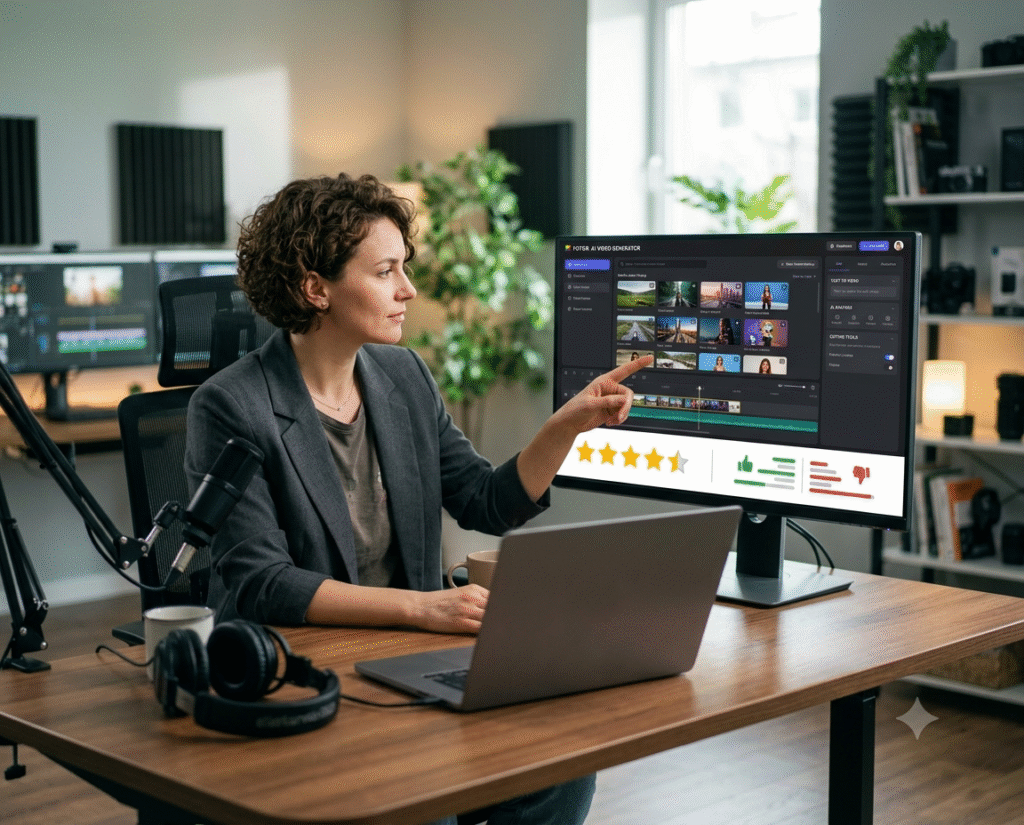
Like any AI-powered creative tool, the platform has both advantages and limitations.
Pros
- Easy for beginners to use
- AI-powered video creation
- Text-to-video capabilities
- Image-to-video functionality
- Useful for social media content
- Can help reduce video production time
- Suitable for creative experimentation
Cons
- AI-generated results may vary depending on the prompt
- Some advanced features may require a paid plan
- Generated content may require additional editing
- Professional users may want more advanced timeline controls
The overall experience may depend on the type of content a user wants to create and the level of customization they require.
Is Fotor AI Video Generator Worth Using?
Based on the features available, Fotor AI Video Generator can be a useful option for beginners and content creators who want a faster way to produce AI-generated videos. The combination of Fotor text to video and Fotor image to video tools gives users multiple ways to begin the creative process.
It may not completely replace professional video editing software for advanced projects, but it can be a convenient tool for creating short-form content, promotional visuals, and creative experiments.
Who Should Use Fotor AI Video Maker?
The tool may be suitable for a wide range of users. Beginners can use it to explore AI video creation without learning complicated software. Social media creators can use it to produce engaging content, while marketers can experiment with promotional videos and visual campaigns.
Small businesses may also find AI video tools useful for creating content without hiring a professional production team for every project.
Conclusion
This Fotor AI Video Generator Review shows that the platform offers a convenient way to explore AI-powered video creation. With features such as the Fotor AI video maker, Fotor text to video, and Fotor image to video, users can create different types of visual content with less manual work.
The platform is particularly appealing to beginners, marketers, and social media creators who want a simple way to experiment with AI-generated videos. While professional editors may still require more advanced tools for complex projects, Fotor can be a practical choice for quick and creative video production.
Frequently Asked Questions
What is Fotor AI Video Generator?
Fotor AI Video Generator is an AI-powered tool that helps users create video content from text prompts, images, and other creative inputs.
What is Fotor text to video?
Fotor text to video allows users to describe a video idea using text and use AI to generate visual content based on that description.
How does Fotor image to video work?
Fotor image to video allows users to use existing images as a starting point for creating animated or dynamic video content.
Is Fotor AI video maker good for beginners?
Yes, its simple AI-powered workflow can make video creation easier for users who do not have advanced editing experience.
Is Fotor AI Video Generator worth using?
It can be worth considering for users who want to create social media content, promotional videos, and creative visual projects with the help of AI.