
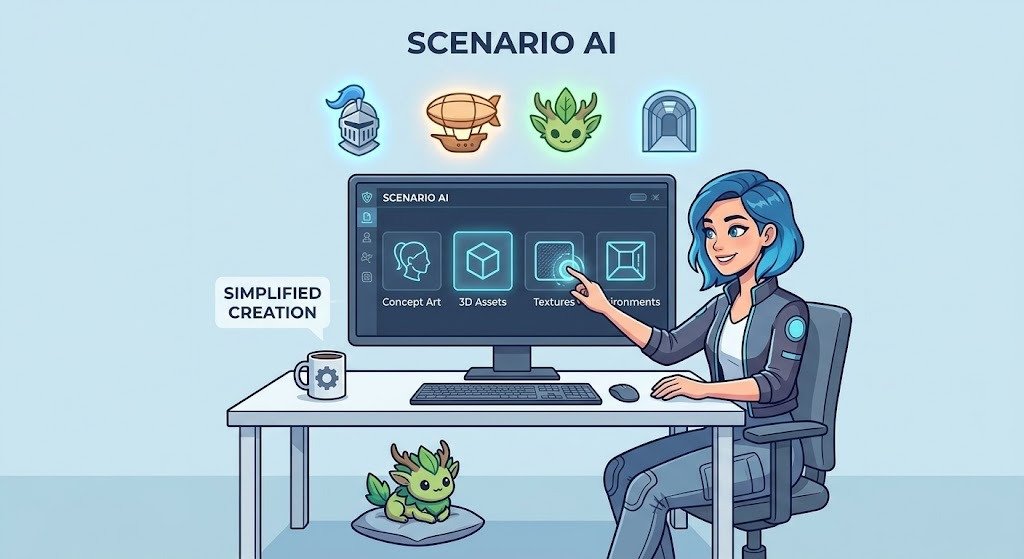

Creating high-quality game assets is an important part of game development. From characters and environments to weapons, objects, and background elements, every visual detail helps build an engaging gaming experience. However, designing these assets manually can take considerable time, especially for independent developers and small creative teams. This is where AI-powered creative tools can make a difference.
Scenario AI is an AI-powered platform designed to help creators generate customized visual assets for games and other creative projects. It offers tools for producing artwork that can match a particular artistic direction, making it useful for developers who want more control over the appearance of their game visuals.
Whether you are developing a 2D adventure game, a strategy game, or a fantasy world, understanding how to use Scenario AI can help you explore new creative possibilities. In this guide, we will explain how to use the platform to create custom game assets and incorporate them into your development workflow.
What Is Scenario AI?
Scenario AI is a platform focused on AI-powered image generation and customized visual content. It helps users create images based on text prompts and artistic requirements. Game developers can use it to explore character concepts, environmental designs, props, objects, and other visual elements.
One of its useful capabilities is the option to work toward a consistent visual style. This matters because game assets should look like they belong to the same world. For example, a cartoon-style adventure game may require colorful characters, simple backgrounds, and playful objects rather than realistic photographs.
Instead of creating every visual concept from scratch, developers can use AI-generated images as starting points for their creative process.
Why Use Scenario AI for Game Asset Creation?
Creating game assets involves several stages, including brainstorming, sketching, designing, editing, and preparing final visuals. AI tools can help speed up some of these stages.
Scenario AI can be useful for several reasons. First, it allows developers to experiment with different visual ideas without manually drawing every concept. Second, it can help creative teams explore multiple design directions before selecting a final style.
Another advantage is creative flexibility. Developers can describe the type of asset they want and adjust their prompts to explore different results. This makes it easier to experiment with character appearances, color combinations, environments, and object designs.
For independent developers with limited resources, this can be a helpful way to develop early visual concepts.
Step-by-Step Guide to Creating Game Assets with Scenario AI
Step 1: Create an Account and Explore the Platform
The first step is to visit the official Scenario website and create an account. Once you access the platform, explore its image generation tools and available AI models.
The platform provides different models for generating visual content. Choose one that matches your project requirements. For example, if you are creating cartoon characters, select a model suitable for stylized artwork. If your game requires realistic environments, choose a model that can produce detailed visuals.
Before generating anything, decide what type of assets your game needs. This will help you organize your creative process.
Step 2: Write Clear and Detailed Prompts
Prompts play an important role in AI image generation. A detailed description helps the AI understand the appearance, style, and purpose of the asset you want to create.
For example, instead of writing a simple prompt such as “fantasy character,” provide more specific information:
Example prompt:
“Create a fantasy game character wearing medieval armor, holding a magical sword, with detailed clothing, a powerful appearance, and a colorful fantasy art style. Use a clean background.”
You can also describe colors, lighting, camera angles, character poses, and other visual details.
The more clearly you communicate your creative requirements, the easier it becomes to evaluate and refine the generated results.
Step 3: Generate Custom Characters
Characters are among the most important visual elements in many games. Players often connect with the characters they control, making their appearance an important part of game design.
With Scenario AI, developers can generate character concepts using text prompts and reference images. You can experiment with different clothing styles, facial features, hairstyles, poses, and artistic directions.
For example, a fantasy adventure game might need warriors, magicians, monsters, and supporting characters. Rather than designing every concept manually, you can generate different versions and select the ones that match your game’s creative direction.
For projects that require recurring characters, custom model training and reference-based generation can help maintain a more consistent appearance across different images.
Step 4: Create Game Environments and Backgrounds
Game environments help establish the atmosphere and setting of a gaming experience. A well-designed background can make a simple game world feel more interesting and immersive.
You can use Scenario AI to explore concepts for forests, castles, futuristic cities, underground caves, deserts, and other locations.
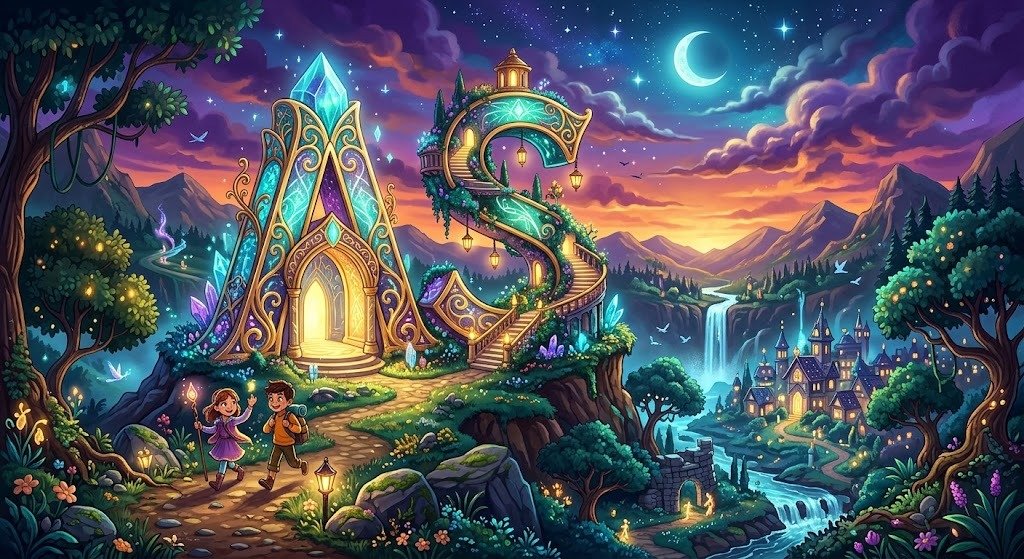
For example, if you are developing a fantasy adventure game, you could generate a magical forest with glowing plants, ancient trees, mysterious pathways, and atmospheric lighting.
Try generating multiple versions of the same environment. Compare their colors, composition, and visual details before choosing the most suitable design.
Step 5: Design Weapons, Objects, and Other Props
Apart from characters and backgrounds, games often require many smaller assets. These include weapons, vehicles, furniture, treasure chests, tools, food items, and decorative objects.
Scenario AI can help generate concepts for these elements using detailed prompts. For instance, you could request a collection of fantasy weapons with different shapes, materials, and decorative patterns.
Consistency is particularly important here. If your game follows a medieval fantasy theme, the weapons, armor, buildings, and other objects should share a similar artistic direction.
Generating assets around a defined visual style can make the entire game feel more professionally designed.
Step 6: Refine and Edit Generated Images
The first generated image may not always match your expectations. Some details might be missing, colors may look different, or certain elements may need improvement.
Scenario provides editing options such as prompt-based editing, retouching, image expansion, and upscaling. These tools can help improve the appearance of generated artwork.
For example, you might remove an unwanted background detail, adjust an object’s appearance, or improve image resolution.
It is a good idea to review every asset carefully before using it in your game. Pay attention to visual quality, proportions, unwanted objects, and consistency with the rest of your artwork.
Step 7: Prepare Assets for Your Game Engine
After creating and refining your visuals, the next step is preparing them for your development environment.
Depending on the project, you may need to remove backgrounds, resize images, create transparent PNG files, or convert visual concepts into suitable formats.
For 2D games, developers may need character sprites, icons, backgrounds, and user interface elements. For 3D projects, Scenario also provides image-to-3D and text-to-3D generation options through supported models.
You can then import suitable assets into game development tools such as Unity or Unreal Engine. Remember that AI-generated artwork may require additional editing, rigging, animation, optimization, or technical adjustments before it is ready for production.
Tips for Getting Better Results with Scenario AI
To get better results, start by defining a consistent artistic direction for your game. Decide whether you want realistic, cartoon, pixel-art, fantasy, or futuristic visuals.
Use detailed prompts instead of short descriptions. Include important information about the subject, colors, lighting, composition, and background.
Another useful approach is to maintain a collection of approved reference images. These references can help guide future generations and make it easier to maintain a consistent appearance.
You should also generate several variations before selecting a final asset. Comparing different outputs gives you more creative options and helps identify designs that work best for your project.
Finally, review licensing and usage terms for the models and generated assets you plan to use commercially. Also make sure that any training images or reference materials you upload are yours to use.
Benefits of Using Scenario AI for Game Development
Scenario AI can support different stages of the game design process. Some of its major benefits include:
1. Faster Creative Workflow: Developers can generate visual concepts without manually creating every design from the beginning.
2. Consistent Art Styles: Custom-trained models and reference images can help maintain a recognizable visual style across multiple assets.
3. More Creative Possibilities: Developers can experiment with different characters, environments, objects, and artistic directions.
4. Flexible Asset Creation: The platform supports image generation, editing, video, and 3D-related workflows, depending on the selected models and tools.
5. Improved Team Collaboration: Projects, collections, and reusable workflows can help creative teams organize assets and manage repeated tasks.
These benefits make Scenario a useful creative tool for independent developers, professional artists, and game development studios.
Scenario Knowledge Base+2
Limitations to Consider
Although Scenario AI offers useful creative features, it does not replace the entire game development process.
AI-generated images may contain visual mistakes, inconsistent details, or objects that need manual correction. Developers may also need additional software to prepare sprites, animations, textures, and game-ready models.
Another consideration is that different AI models may have different capabilities, generation costs, and usage restrictions. Therefore, it is important to review the available options before starting a large project.
Scenario is best viewed as a creative assistant that supports asset production rather than a complete replacement for game engines or professional development tools.
Scenario Knowledge Base+1
Frequently Asked Questions (FAQs)
1. What is Scenario AI used for?
Scenario AI is used to generate and edit creative assets, including game characters, environments, props, textures, and other visual content.
2. Can Scenario AI create custom game characters?
Yes. You can generate character concepts using text prompts, reference images, and custom-trained models to help maintain a consistent character style.
3. Can beginners use Scenario AI?
Yes. Beginners can start with available models and simple text prompts. They can gradually explore reference images, editing tools, and custom model training as they become more familiar with the platform.
4. Can I use Scenario AI assets in Unity and Unreal Engine?
You can export suitable generated assets and prepare them for use in Unity or Unreal Engine. However, additional adjustments may be necessary depending on the game’s technical requirements.
5. Does Scenario AI support 3D game assets?
Yes. Scenario supports 3D generation workflows, including image-to-3D and text-to-3D through supported models.
Scenario Knowledge Base+1
Conclusion
Scenario AI offers an interesting approach to creating custom game assets with artificial intelligence. From character concepts and fantasy environments to weapons, objects, and other visual elements, the platform provides tools that can support different creative requirements.
By using detailed prompts, reference images, custom models, and editing features, developers can explore different designs and work toward a consistent artistic direction. However, generated assets should always be reviewed and optimized before being included in a finished game.
Whether you are an independent developer or part of a creative team, Scenario AI can help simplify parts of the visual design process and give you more opportunities to experiment with your ideas.