

Introduction
Icons are an important part of modern digital design. They help users understand features, navigate websites, and interact with mobile applications more easily. From shopping carts and search buttons to profile symbols and notification graphics, icons make digital interfaces more attractive and user-friendly. However, creating original icons can take time, especially for people who do not have professional design experience. This is where artificial intelligence can help. The Best AI Icon Generators for Apps and Websites allow designers, developers, and business owners to create custom icons using simple text prompts and automated design features. These tools can make the design process faster while providing creative options for different digital projects.
What Are AI Icon Generators?
AI icon generators are digital tools that use artificial intelligence to create visual symbols based on written descriptions, selected styles, or reference images. Instead of designing every icon manually, users can describe what they need and let the software generate possible designs.
For example, a user developing a fitness application might request icons representing exercise, nutrition, heart rate, and activity tracking. The tool may generate several visual concepts that can be reviewed, customized, and exported for use in a project.
The Best AI Icon Generators for Apps and Websites can support different design styles, including minimal, flat, colorful, geometric, outline, and three-dimensional icons. Available features depend on the specific platform, so users should check its capabilities before starting a project.
Key Features of AI Icon Generators
1. Text-to-Icon Generation
One useful feature is the ability to create icons from text descriptions. Users can explain the object, purpose, color, or visual style they want. This approach helps generate initial concepts without drawing skills.
For example, a developer could describe a simple blue cloud icon for a weather application or a shopping bag symbol for an online store.
2. Multiple Design Styles
Different websites and applications require different visual appearances. Some projects use simple black-and-white icons, while others need colorful illustrations. Many AI-powered tools offer style options that help users explore different designs and select one that matches their interface.
3. Customization Options
Depending on the platform, users may be able to adjust colors, backgrounds, shapes, proportions, and other visual elements. Customization is important because icons should match the overall branding and design system of an application or website.
4. Export Formats
Export options can make a significant difference when choosing an icon generator. PNG files are useful for many standard interface graphics, while SVG files are valuable for scalable vector designs. Not every AI tool supports both formats, so checking export options before creating a complete icon collection can save time.
Benefits of Using AI Icon Generators
One of the main benefits of AI-generated icons is efficiency. Traditional icon creation may involve sketching, editing, testing, and refining each design. AI tools can generate multiple concepts quickly, giving designers a starting point for their work.
Another advantage is accessibility. Beginners, small business owners, bloggers, and independent developers can experiment with icon creation without advanced graphic design knowledge. This can be particularly useful for projects with limited budgets.
AI icon generators also encourage creative exploration. Users can test different styles, compare variations, and discover visual ideas they might not have considered otherwise. For development teams, generating early concepts can help establish a consistent direction before investing time in detailed design work.
Use Cases for Apps and Websites
AI-generated icons can support many types of digital projects.
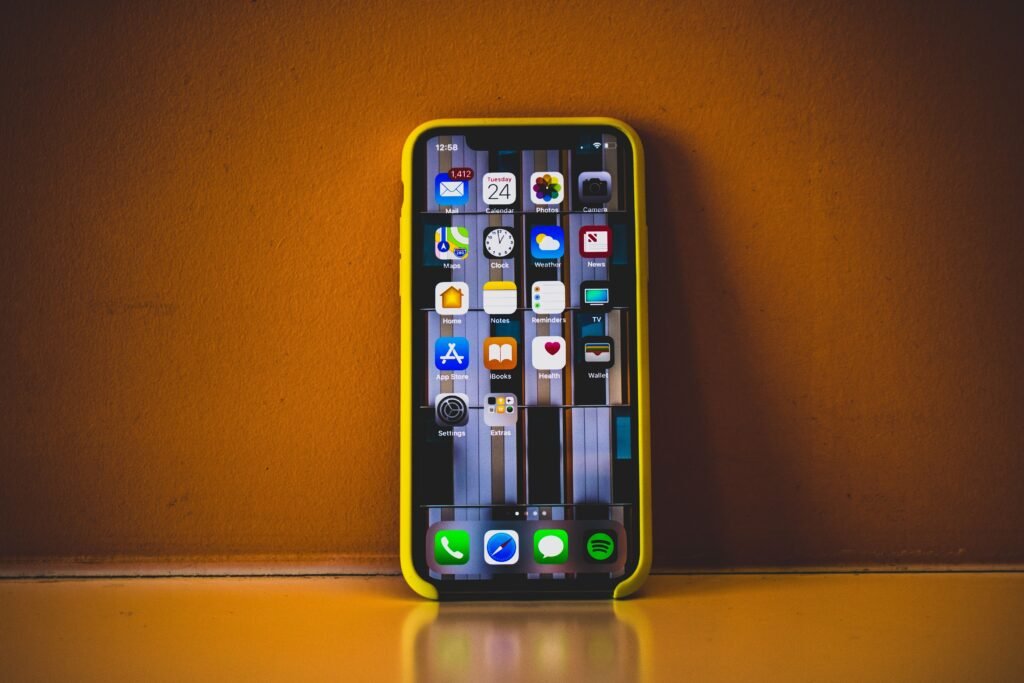
Mobile Applications: App developers can create concepts for navigation menus, user profiles, settings, notifications, and application features.
Business Websites: Companies can use custom icons to represent services, highlight benefits, explain processes, and improve the appearance of landing pages.
E-Commerce Stores: Shopping websites may need icons for delivery, payment methods, product categories, customer support, and shopping carts.
Dashboards and Software Interfaces: Business applications can use icons for reports, analytics, account settings, file management, and system notifications.
Blogs and Content Platforms: Publishers can use icons to organize categories, illustrate articles, and improve visual consistency throughout their websites.
Although AI can generate useful starting points, icons should remain understandable at the small sizes commonly used in digital interfaces.
How to Choose the Right AI Icon Generator
Before selecting a tool, consider your project’s requirements. First, identify the type of icons you need, such as outline symbols, colorful illustrations, or scalable vector graphics. Then, check whether the platform offers suitable customization and export options.
Ease of use is another important factor. Beginners may prefer tools with straightforward prompts and simple editing controls, while experienced designers may need more control over shapes, colors, and file formats.
Pricing should also be considered. Some services provide free generations with limitations, while others require subscriptions for higher-resolution exports or commercial features. Review licensing terms carefully if you plan to use generated icons in a commercial website, mobile application, or product.
Finally, test a few icons before committing to a tool. Compare the results for visual consistency, clarity, and compatibility with your existing design.
Limitations to Consider
Despite their advantages, AI icon generators have some limitations. Generated icons may contain unnecessary details, inconsistent proportions, or visual elements that do not match the intended design. Some results may also look similar to other generated graphics, making originality an important consideration.
Another challenge is consistency. A collection of icons created separately may have different line thicknesses, corner shapes, or levels of detail. Designers should review and refine the entire collection before using it in a finished interface.
Users should also verify commercial licensing and avoid generating designs that closely imitate protected logos or recognizable brand identities. Human review remains valuable for ensuring that icons are clear, accessible, and appropriate for the intended audience.
Conclusion
The Best AI Icon Generators for Apps and Websites can help designers, developers, and businesses create custom visual elements with less manual effort. Features such as text-to-icon generation, style variations, customization, and flexible export options can support projects ranging from mobile applications to business websites and online stores. However, selecting the right tool requires attention to image quality, consistency, licensing, and file compatibility. By testing different options and refining generated designs, users can create useful icons that support a clear and professional digital experience.