

Introduction
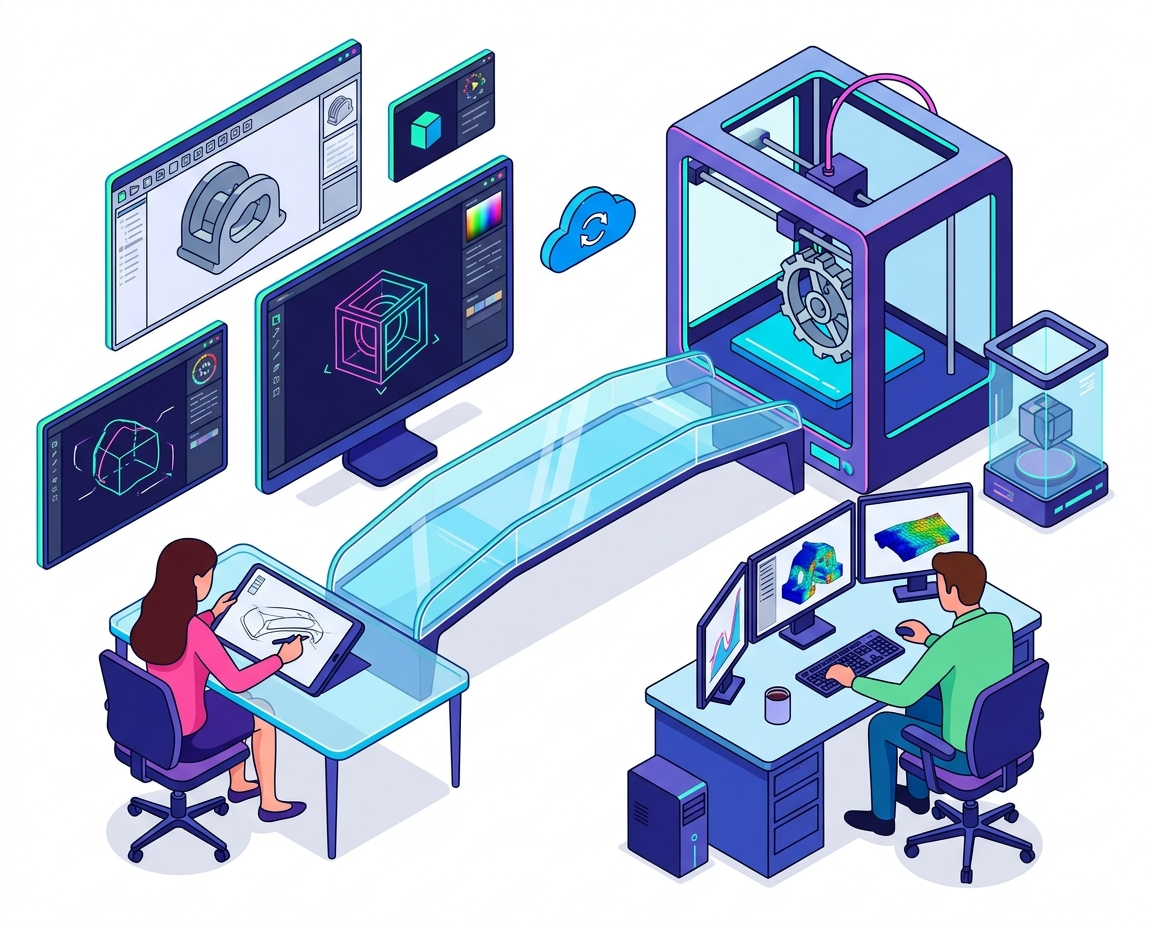
The demand for Online 3D Design Tools has grown significantly as product designers and engineers seek faster, more flexible ways to create and collaborate on projects. Traditional desktop software is no longer the only option available. Today, professionals can access powerful design platforms directly through their web browsers, making it easier to work from anywhere. These modern solutions combine advanced modeling capabilities with cloud technology, enabling teams to collaborate in real time. Whether designing consumer products, industrial equipment, or engineering prototypes, professionals are transforming how they approach design and development with Online 3D Design Tools.
Why Online 3D Design Tools Are Becoming Popular
One of the biggest advantages of Online 3D Design Tools is accessibility. Unlike traditional software that requires installation on powerful computers, many web-based platforms can be accessed from various devices with an internet connection. This flexibility allows designers and engineers to work remotely and collaborate with team members across different locations.
Another reason for their popularity is the rise of Cloud-based design tools. These platforms store projects online, reducing the risk of data loss and making file sharing much easier. Teams can review designs, provide feedback, and make updates without constantly exchanging files via email or external storage.
As businesses increasingly embrace digital transformation, online design solutions continue gaining traction across industries.
Top Online 3D Design Tools for Professionals
1. Onshape
Onshape is one of the leading Online CAD software platforms available today. Built entirely for the cloud, it allows engineers and designers to create complex 3D models directly from a web browser. Real-time collaboration features make it particularly valuable for distributed teams working on product development projects.
The platform also provides version control and project management capabilities, helping teams maintain organization throughout the design process.
2. Tinkercad
Tinkercad is a beginner-friendly option among Online 3D Design Tools. It offers an intuitive interface that makes 3D modeling accessible to students, hobbyists, and professionals who need simple design capabilities.
Although it may not provide the advanced functionality of professional engineering software, it remains an excellent tool for creating prototypes, educational projects, and basic product concepts.
3. SelfCAD
SelfCAD combines powerful modeling features with an easy-to-use interface. It supports both 3D design and 3D printing workflows, making it a versatile choice for designers and makers.
As one of the more accessible 3D modeling software options available online, SelfCAD appeals to users seeking a balance between simplicity and functionality.
4. SketchUp for Web
SketchUp’s browser-based version provides many of the features that made the platform popular among architects, engineers, and designers. Users can create detailed 3D models without installing software locally.
Its extensive library of pre-built components helps accelerate design projects and improve productivity. Many professionals consider it one of the most practical Cloud-based design tools for conceptual design work.
5. Fusion 360
Fusion 360 offers advanced design, engineering, and manufacturing capabilities. While it includes desktop components, its cloud-connected environment enables collaboration and data management across teams.
Product designers frequently use Fusion 360 because it integrates CAD, simulation, and manufacturing workflows into a single platform. This comprehensive approach makes it a strong choice for engineering projects.
Benefits of Using Online CAD Software
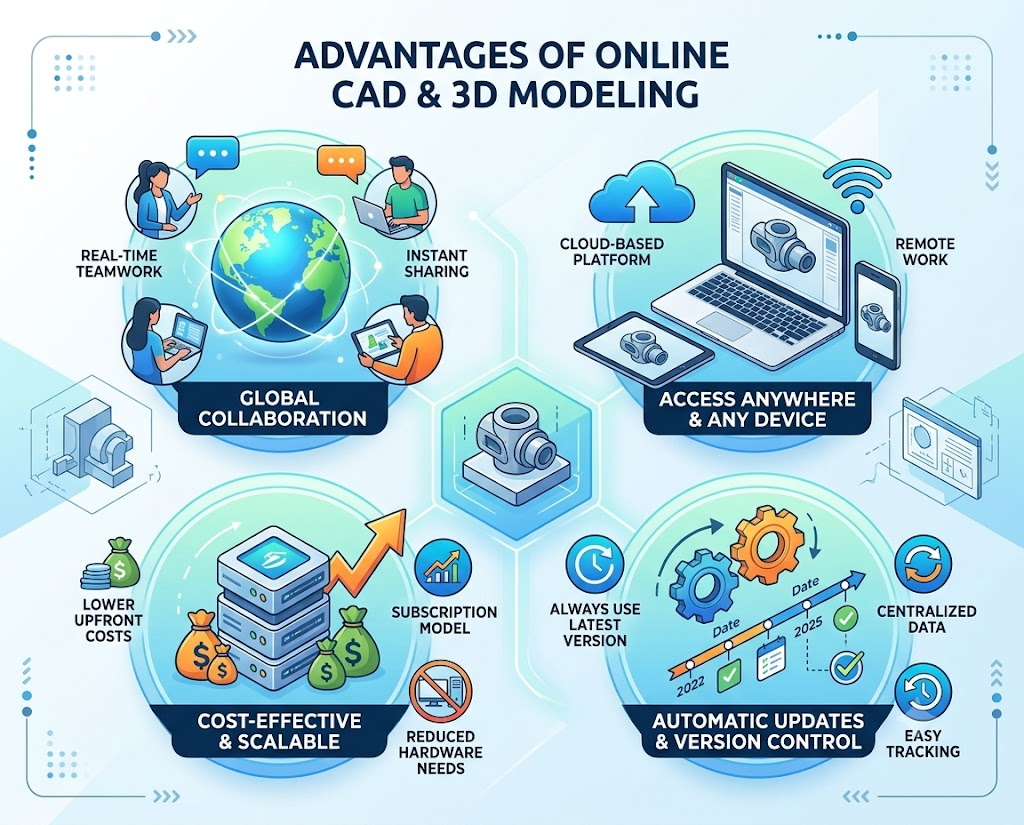
Modern Online CAD software provides several advantages over traditional design solutions. One major benefit is collaboration. Team members can work on projects simultaneously, reducing delays and improving communication throughout the design process.
Cost efficiency is another important factor. Many online platforms offer flexible subscription models that eliminate the need for expensive hardware upgrades and software licenses. Businesses can scale usage according to project requirements.
Automatic updates also ensure users always have access to the latest features and security improvements. This reduces maintenance responsibilities and helps organizations stay current with industry developments.
How Cloud-Based Design Tools Improve Productivity
Cloud-based design tools are changing how product development teams operate. By storing project data online, these platforms make information accessible from virtually anywhere. Designers can continue working while traveling, collaborating remotely, or participating in client meetings.
Version control features help prevent conflicts when multiple team members edit designs. Changes are automatically tracked, allowing users to review project history and restore previous versions when necessary.
These capabilities improve efficiency, reduce administrative tasks, and allow professionals to focus more on innovation and problem-solving.
Choosing the Right 3D Modeling Software
Selecting the best 3D modeling software depends on project requirements, budget, and technical expertise. Beginners may prefer platforms with simple interfaces and learning resources, while professional engineers often require advanced simulation and manufacturing capabilities.
Organizations should evaluate collaboration features, compatibility with existing workflows, security standards, and scalability before choosing a platform. The ideal solution should support both current needs and future growth.
As technology continues advancing, many professionals are finding that web-based tools offer the flexibility and performance necessary for modern product development.
Conclusion
The rise of Online 3D Design Tools is transforming the way product designers and engineers create, collaborate, and innovate. Platforms such as Onshape, Tinkercad, SelfCAD, SketchUp, and Fusion 360 provide powerful alternatives to traditional software while offering the flexibility of cloud-based access.
With advances in 3D modeling software, Cloud-based design tools, and Online CAD software, professionals can streamline workflows, improve collaboration, and accelerate product development. As remote work and digital collaboration continue growing, online design platforms will play an increasingly important role in the future of engineering and product design.
FAQs
1. What are Online 3D Design Tools?
Online 3D Design Tools are web-based platforms that allow users to create, edit, and collaborate on 3D models through a browser.
2. What is the benefit of Cloud-based design tools?
They enable remote access, real-time collaboration, automatic backups, and easier project sharing.
3. Which Online CAD software is best for engineers?
Onshape and Fusion 360 are popular choices because of their advanced engineering and collaboration features.
4. Are Online 3D Design Tools suitable for beginners?
Yes, platforms like Tinkercad and SelfCAD offer beginner-friendly interfaces and learning resources.
5. Can Online 3D Design Tools replace traditional desktop software?
For many projects, yes. Modern online platforms provide powerful features and collaboration capabilities that meet professional requirements.