
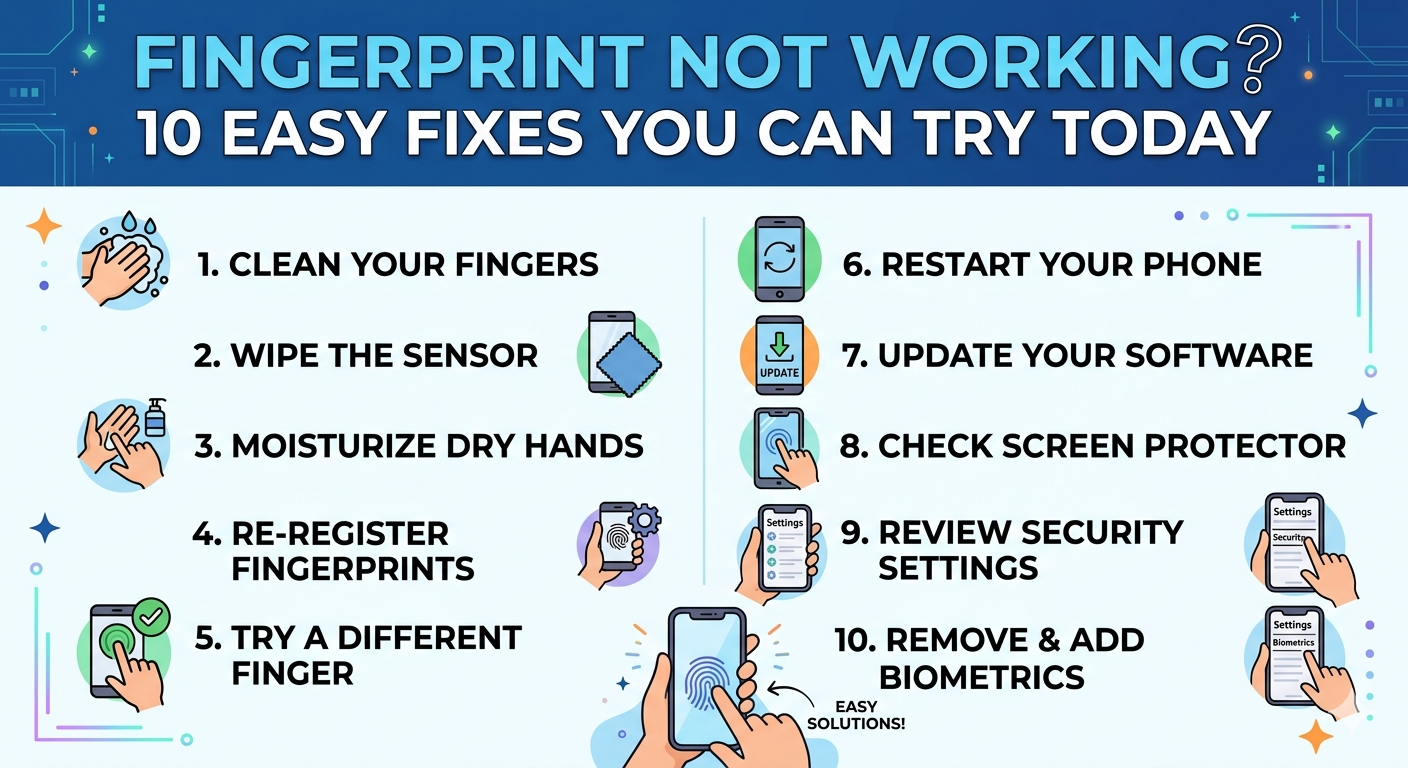

If your Fingerprint Not Working issue is driving you crazy, you’re not alone. Fingerprint sensors have become a standard feature in modern smartphones, offering quick and secure access. However, many users face problems like finger id not working or finger sensor not working at the most inconvenient times. Whether it’s due to software glitches, dirty sensors, or hardware issues, the good news is that most of these problems can be fixed بسهولة. In this guide, we’ll walk you through 10 easy fixes you can try today to resolve fingerprint issues and get your device back to normal.
1. Clean the Fingerprint Sensor Properly
One of the most common reasons for a Fingerprint Not Working problem is a dirty or smudged sensor. Dust, oil, or sweat can block the sensor from reading your fingerprint correctly. Use a soft, dry cloth to gently clean the sensor area. Avoid using water or harsh chemicals. After cleaning, try unlocking your device again.
2. Clean and Dry Your Fingers
Sometimes the issue isn’t with your phone it’s your fingers. Wet, oily, or dirty fingers can cause the finger id not working problem. Make sure your hands are clean and dry before using the fingerprint scanner. This simple step often fixes the issue instantly.
3. Restart Your Device
A quick restart can solve many minor software glitches, including finger sensor not working issues. Turn your phone off, wait for a few seconds, and then turn it back on. This refreshes the system and may restore fingerprint functionality.
4. Remove and Re-Add Your Fingerprint
If your fingerprint is not being recognized, it might be incorrectly saved. Go to your phone’s settings, delete the existing fingerprint, and register it again. While adding, ensure you scan your finger from multiple angles for better accuracy.
5. Check for Software Updates
Outdated software can sometimes cause the Fingerprint Not Working issue. Go to your device settings and check for updates. Install the latest version of your operating system, as updates often include bug fixes and performance improvements.
6. Remove Screen Protector or Case
If you’re using a thick screen protector or phone case, it might interfere with the fingerprint sensor, especially for in-display scanners. Try removing the protector and test again. Many users report finger id not working issues due to incompatible screen protectors.
7. Enable Fingerprint Unlock in Settings
Sometimes the fingerprint feature gets disabled accidentally. Go to your security settings and make sure fingerprint unlock is turned on. Also, check if it’s enabled for lock screen, apps, and payments.
8. Reset Fingerprint Settings
If nothing seems to work, resetting your fingerprint settings can help. Delete all saved fingerprints and restart your device. Then re-add your fingerprint carefully. This often resolves persistent finger sensor not working problems.
9. Check for Physical Damage
If your phone has been dropped or exposed to water, the fingerprint sensor might be damaged. In such cases, no software fix will work. You may need to visit a professional technician to repair or replace the sensor.
10. Perform a Factory Reset (Last Option)
If all else fails, a factory reset can fix deep software issues causing the Fingerprint Not Working problem. Before doing this, make sure to back up your data. After the reset, set up your device again and re-register your fingerprint.
Conclusion
Dealing with a Fingerprint Not Working issue can be frustrating, but in most cases, it’s easy to fix. From cleaning the sensor to updating your software, these simple solutions can resolve both finger id not working and finger sensor not working problems.Start with basic troubleshooting steps and move toward advanced fixes only if needed. If the problem persists even after trying everything, it’s likely a hardware issue that requires professional help.
FAQs
1. Why is my fingerprint not working on my phone?
There can be several reasons, including a dirty sensor, wet fingers, software bugs, or hardware damage. Start with cleaning the sensor and updating your device.
2. How do I fix finger id not working quickly?
Restart your device, clean your fingers and sensor, and try re-adding your fingerprint. These quick steps usually solve the problem.
3. Can a screen protector cause fingerprint issues?
Yes, especially thick or low-quality protectors can interfere with in-display sensors and cause finger sensor not working problems.
4. Is fingerprint failure a hardware issue?
Not always. Most cases are due to software or minor issues. However, if your phone is physically damaged, it could be a hardware problem.
5. Should I factory reset my phone to fix fingerprint issues?
Factory reset should be your last option. Only try it if all other solutions fail, and always back up your data first.