
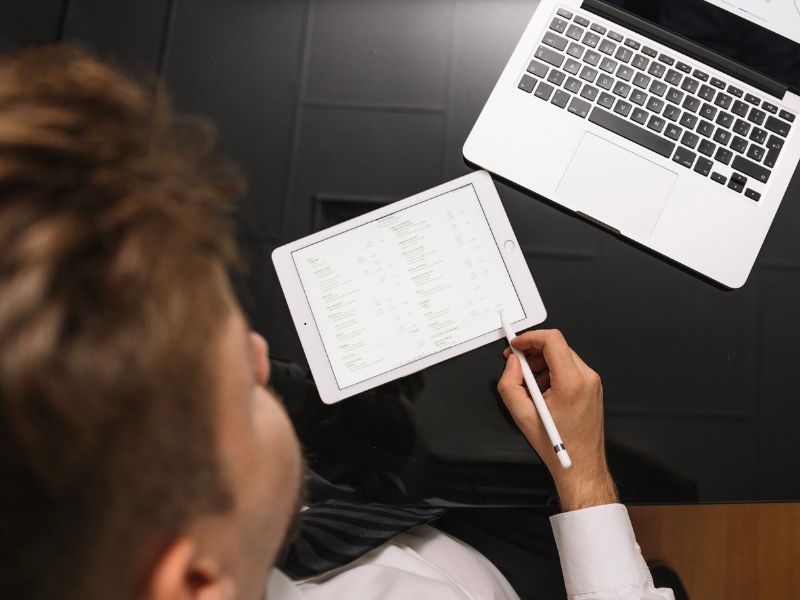

The internet is packed with tools that promise to “revolutionize your content,” yet most deliver only minor cosmetic changes. PDFs are a perfect example. They’re dependable and widely used, but they’ve barely evolved over the years, and let’s be honest, they’re rarely exciting to read. So when interactive digital flipbooks started appearing across marketing materials, business reports, and even cybersecurity documentation, we wanted to know whether this format was genuinely useful or simply another short-lived tech trend. To find out, we spent a full week testing a popular PDF-to-flipbook platform, exploring whether this interactive format actually adds value or if traditional PDFs are still sufficient. The result? We didn’t expect to be impressed, but we were.
What Is a Digital Flipbook, Really?
A digital flipbook is essentially a modernized PDF. Instead of scrolling through flat pages, readers flip through content like a magazine or book, complete with smooth animations, clickable elements, and embedded media. The entire document opens directly in a web browser, eliminating downloads, compatibility problems, and frustrating “file too large” errors. Using an online flipbook maker, the conversion process was remarkably simple: upload a PDF, receive a shareable link, and start viewing. That level of simplicity made a strong first impression.
Core Features That Stood Out
Just as a VPN is judged by its speed and security, a flipbook tool succeeds based on usability and performance. Several features immediately set this format apart.
Fast, Browser-Based Viewing
Flipbooks load quickly without requiring plugins or software installations. Whether accessed on Windows, macOS, Android, or iOS, the experience was consistent and smooth.
Rich Interactive Elements
Page-flip animations are just the beginning. What surprised us most were the built-in interactive features, including embedded videos, clickable calls-to-action, internal navigation buttons, interactive icons, and seamlessly integrated external links. This is where flipbooks clearly outperform traditional PDFs.
Premium Visual Presentation
From lighting effects to page shadows and backgrounds, flipbooks look polished and refined. The overall design feels closer to a digital magazine than a static document.
Mobile-Friendly Experience
Unlike PDFs that often require constant zooming on mobile devices, flipbooks automatically adapt to screen size. On smartphones, the reading experience feels natural and intuitive.
Performance in Real-World Use
To test reliability, we pushed the platform with various content types, including large product catalogs, cybersecurity training manuals, technical documentation, visual brochures, and long-form reading material. Even heavy files loaded quickly, with smooth animations and no freezing. Under unstable internet conditions, such as public or mobile Wi-Fi, the flipbooks continued to function without visual glitches. Embedded video playback was also surprisingly smooth.
Security and Privacy Considerations
From a security standpoint, flipbooks offer some notable advantages. Because there is no file download, the attack surface is smaller than with traditional PDF attachments. Sharing a link is inherently safer than emailing files that can be altered or exploited. Many flipbook platforms also support controlled access, including password protection, viewer restrictions, and private URLs. Additionally, most metadata commonly embedded in PDFs, such as device details and timestamps,s is removed during conversion, reducing unintended data exposure. Overall, flipbooks introduce fewer security risks compared to downloadable attachments.
Practical Use Cases Where Flipbooks Excel
Unlike many digital tools that serve narrow purposes, flipbooks fit easily into a wide range of workflows. In marketing and sales, they enhance product catalogs, promotional brochures, and presentation-style documents. For cybersecurity and IT teams, they work well for onboarding guides, training manuals, and compliance documentation. Corporate teams can use them for internal policies, quarterly reports, and training materials, while educators benefit from interactive study guides, digital presentations, and e-learning resources. In every case, flipbooks delivered better readability and stronger visual impact than standard PDFs.
Pros and Cons at a Glance
Pros
- Instant PDF conversion
- No software installation required
- Interactive and visually engaging
- Optimized for mobile devices
- Safer than traditional file attachments
- Excellent for branding and presentations
- Extremely easy to share
Cons
- Requires an internet connection
- Not ideal for highly confidential, offline-only documents
- May feel overly polished for very formal legal use cases
For most organizations, these limitations are minor and manageable.
Final Verdict: Are Flipbooks Worth Switching To?
If your documents are meant to be read, shared, or showcased, then yes, digital flipbooks are absolutely worth considering. They modernize static content, increase engagement, improve readability, simplify distribution, and enhance your professional image. In an era where attention spans are shrinking, how information is presented matters more than ever. We started this review skeptical, but finished convinced. Digital flipbooks are not just visual gimmicks; they’re a practical evolution of a format that hasn’t changed in decades. If PDFs are part of your daily workflow, flipbooks are well worth trying.