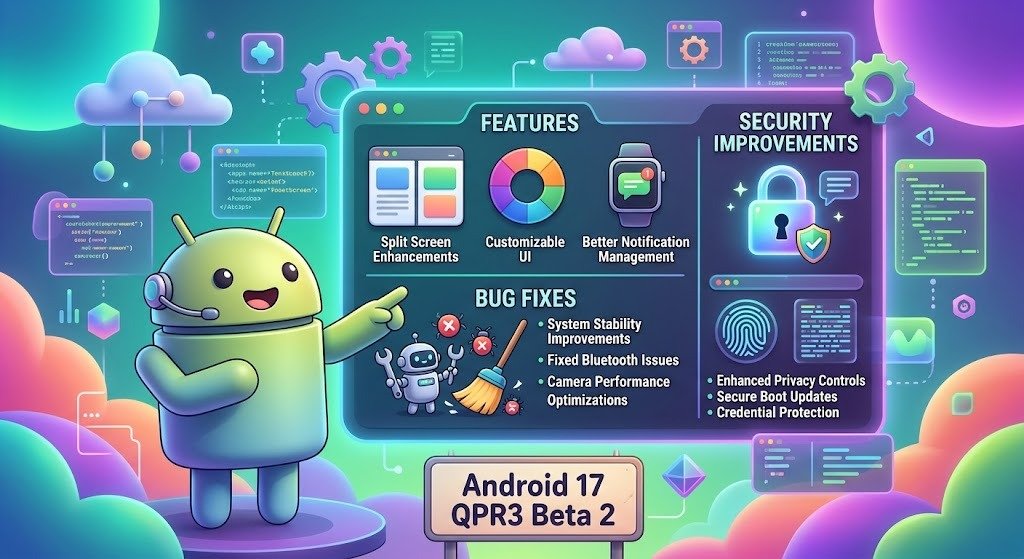

Android 17 QPR3 Beta 2 has been launched by Google, which includes stability changes, security options, and some bug fixes for Google Pixel phones. The update, launched on October 20, 2026, concentrates on fixing such daily issues like unexplained phone restarts, Bluetooth connectivity issues, battery draining, and call problems. In addition, there is an interesting feature introduced in this version, which allows users to block changing of some connectivity settings when their phone is locked. This makes the new beta version worth checking out.
What Is Android 17 QPR3 Beta 2?
Android 17 QPR3 Beta 2 is a prerelease software update included in Google’s third quarterly platform release development cycle for Android 17. These quarterly releases allow Google to improve the operating system, address reported problems, and test changes before broader distribution.
According to Google’s official release notes, the update uses build number DP11.261002.005 and includes the October 5, 2026, security patch level. It primarily focuses on system reliability, connectivity, interface improvements, and resolving existing bugs rather than introducing major changes to application programming interfaces.
Android 17 QPR3 Beta 2 Features
1. Improved Lock Screen Security
Among the most helpful changes would be the possibility of blocking access to essential connectivity options via the lock screen. Authentication can be required before any change of the Wi-Fi, Bluetooth, mobile data, and airplane modes from Quick Settings. This modification could be helpful in case of losing the smartphone or having it stolen. In the latter case, a person with access to a locked phone may turn off its internet access, thus complicating efforts to find it. It is one more step to secure the device. The option can be found in Settings in the appropriate category related to either lock screen or device security settings.
2. Better Wallpaper and Style Customization
Android 17 QPR3 Beta 2 comes with an updated Wallpaper and Styles carousel. The interface gives people access to various customizations, allowing users to try different looks for their devices. The following are some of the customization categories available: themes, icons, shapes, animations, and weather. These make it easier for users to customize the look of their phone without having to go through various menus.
3. Improved System Stability
Surprises in the form of sudden crashes or forced reboots are known to disrupt calls, messages, productivity, and entertainment. Google has taken care of the problem of crashes and reboots seen during typical use of the gadget. Another problem that has been sorted out by the patch is that of a dark screen following a phone call.
Important Bug Fixes in Android 17 QPR3 Beta 2
According to the official notes of Google, there are 21 bugs which have been fixed in different sections of the operating system. Some of the notable ones are as follows.
Battery Drain Improvements
This update solves the problem of high battery drain due to the sensors staying active even after the use of Face Unlock and the camera feature. Solving this issue could potentially increase battery efficiency for users whose phones have this problem. However, actual battery life will depend on other things like the age of the phone, brightness levels, network conditions, and installed applications.
Bluetooth and Connectivity Fixes
The update solves the Bluetooth pairing issues due to the timeout error. The update also resolves the Quick Settings interface bug associated with the Bluetooth subtitle. Other bug fixes include those related to mobile data, multimedia message services, and hotspot functionality for Dish Network, as well as some voice and Wi-Fi calling bugs associated with carriers.
WhatsApp Calling and Other App Issues
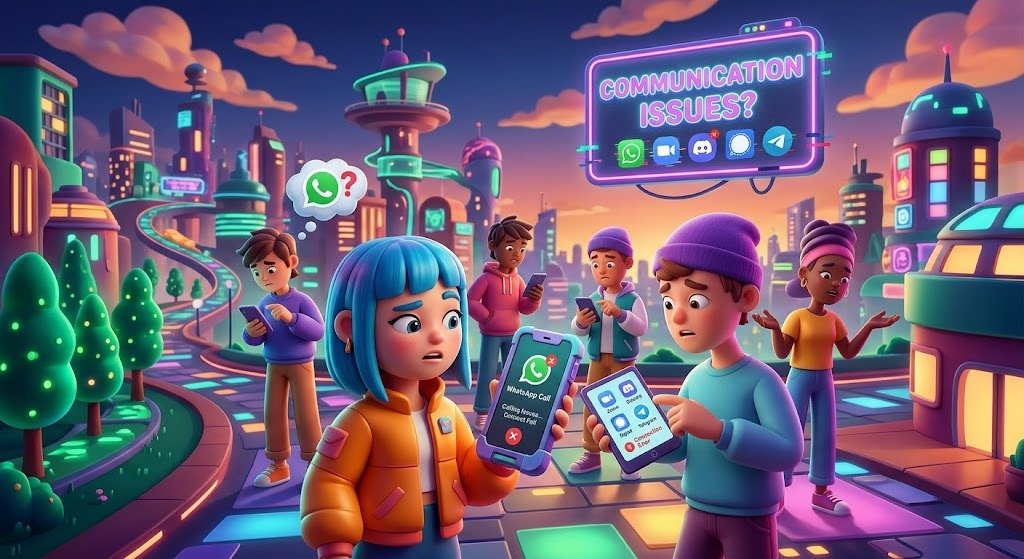
Some users reportedly had their devices suddenly shut down while making WhatsApp video calls. The Android 17 QPR3 Beta 2 fix will fix this problem. In addition to that, the update will also correct the connection problem in the Airbnb messaging app and will ensure that the Terminal app can launch the Linux development environment without any issues.
Display and Interface Improvements
The fixes include several that try to make the Android interface more uniform. There have been fixes for problems related to having system fonts and app elements that were too small, having overlapping lockscreen notifications, and pinning app icons on the share sheet. Another problem that is fixed is having the app drawer closed when the language of the keyboard was changed.
Which Devices Support the Update?
The Android 17 QPR3 Beta 2 version can be installed on Google Pixel devices that are enrolled in the Android Beta Program. Compatible devices will include the Pixel 6a, Pixel 7 range, Pixel 8 range, Pixel 9 range, Pixel 10 range, Pixel 11 range, Pixel Fold, and Pixel Tablet, based on the compatibility criteria of Google. Note that the Pixel 6 and Pixel 6 Pro are not part of the eligible device list.
How to Install Android 17 QPR3 Beta 2
Eligible Pixel owners can follow these steps to check for the update:
- Visit the official Android Beta Program website and sign in with the Google account associated with your Pixel device.
- Check whether your phone is eligible and enroll it if necessary.
- Open Settings on your phone.
- Navigate to System, then Software updates.
- Select System update and check for available updates.
- Download and install the update if it appears.
Before installing, back up important files, photos, and other personal information. Beta software can contain unexpected bugs, so it is generally better suited to testing devices than smartphones that are essential for daily work.
Should You Install Android 17 QPR3 Beta 2?
It all boils down to your personal requirements. Beta testers who have previously had trouble with crashes, high idle battery usage, Bluetooth connectivity issues, or calling problems can try the new build. But those who demand absolute reliability should hold out for a stable build. Reverting to a stable build after using the beta software might mean deleting local data in some cases. For the vast majority, the best course of action is to back up their data and study Google’s installation instructions.
Conclusion
Android 17 QPR3 Beta 2 concentrates on providing tangible changes that would help make Pixel phones supported by the update stable and safe. Twenty-one bug fixes included in it solve the issues such as crashes, connectivity, battery drain, calling, and interface problems. Additionally, the newly introduced lock screen connectivity limit is a very helpful feature for securing access to phone settings. While the update provides tangible advantages for testing purposes, it is still an unfinished product. Users should analyze the necessity of using it, back up their information, and decide whether it is worth the risk.
Frequently Asked Questions
1. What is Android 17 QPR3 Beta 2?
It is a prerelease Android 17 update for eligible Pixel devices that focuses on bug fixes, system stability, security controls, and usability improvements.
2. What are the main improvements in Android 17 QPR3 Beta 2?
The main improvements include fixes for unexpected restarts, Bluetooth pairing failures, battery drain, WhatsApp video-call shutdowns, and several display and connectivity issues.
3. Is Android 17 QPR3 Beta 2 safe to install?
It can be suitable for users who understand beta software risks, but bugs may remain. Back up your data before installing, and avoid using beta software on a device you cannot afford to have malfunction.
4. Which phones support Android 17 QPR3 Beta 2?
Eligible Pixel models range from the Pixel 6a through supported Pixel 11 models, as well as the Pixel Fold and Pixel Tablet. Check Google’s official eligibility list for confirmation.
5. Does the update improve phone security?
Yes. It adds an option to require unlocking before changing selected connectivity settings from Quick Settings, helping prevent someone with a locked phone from disabling important network connections.
Suggested URL slug: android-17-qpr3-beta-2-features
Meta description: Discover Android 17 QPR3 Beta 2 features, 21 bug fixes, lock screen security improvements, battery optimizations, supported Pixel devices, and installation steps.